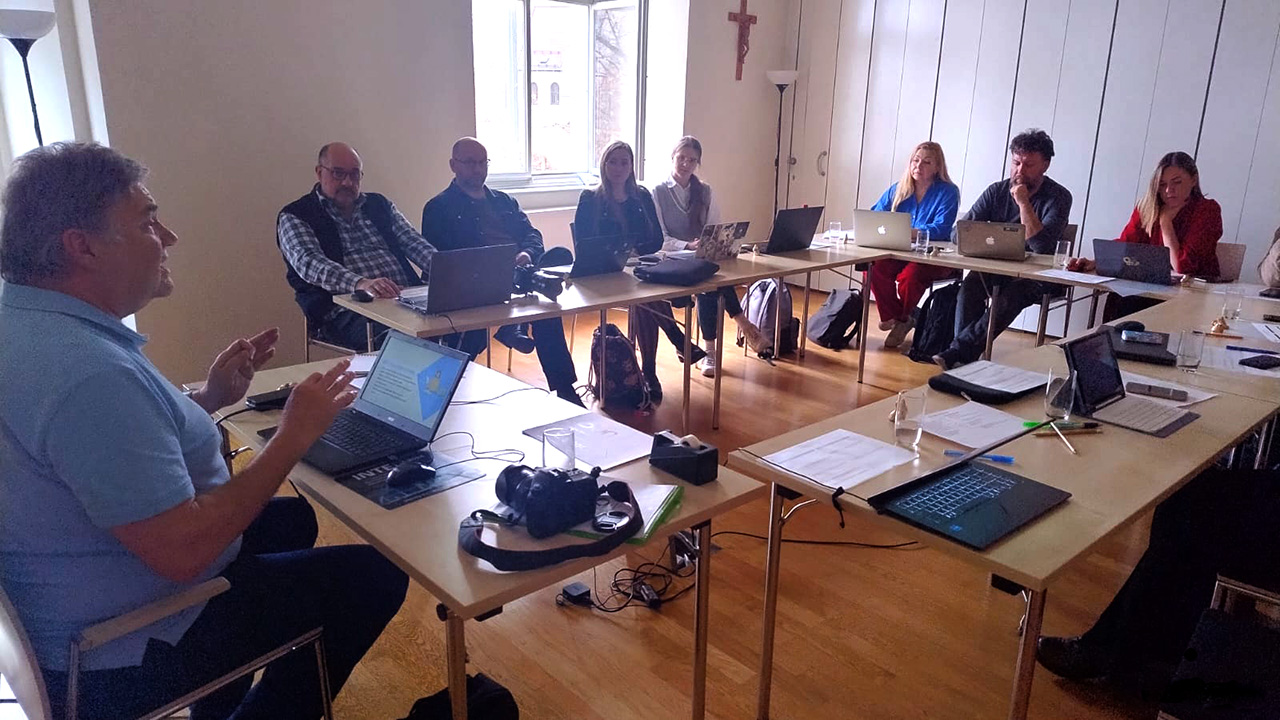
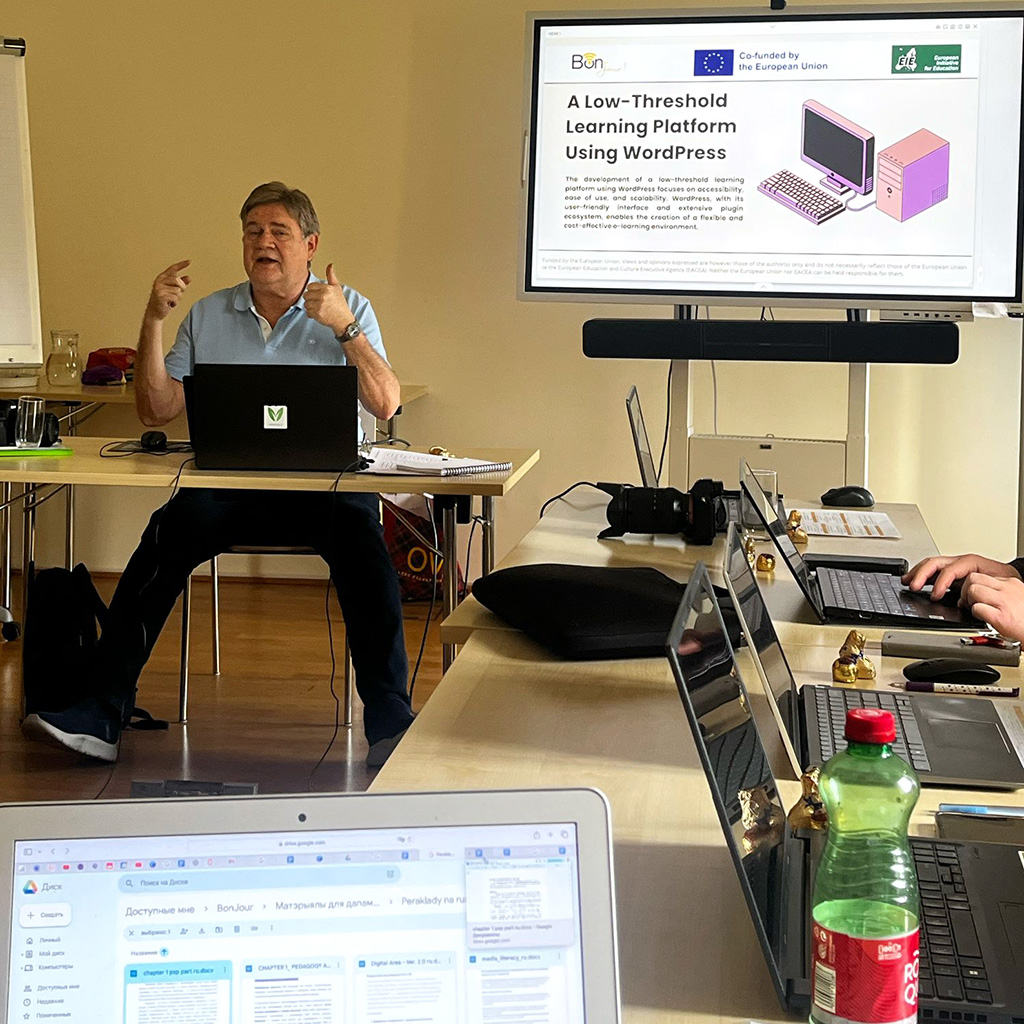
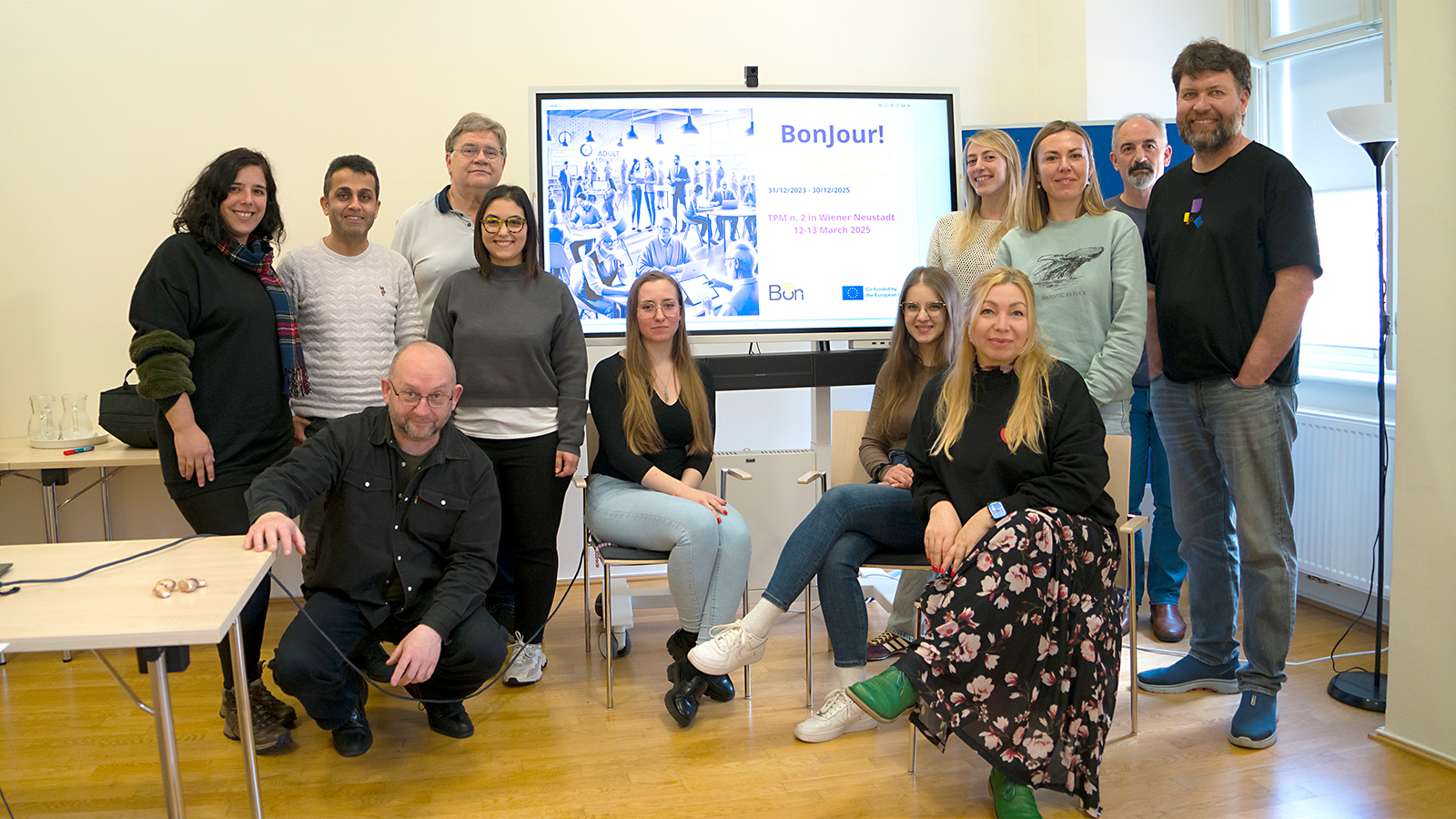
Understanding, questioning and correctly interpreting media was the central theme of a recent evening event held at the Bildungszentrum St. Bernhard in Wiener Neustadt. The event was organised by Peter Mazohl and focused on the EU co-funded BonJour! project (Erasmus+ 2023-1-IT02-KA220-ADU-000160320, focusing on media literacy), which aims to strengthen media literacy among adults aged 55 and over.
The BonJour! project offers a web-based learning platform designed to help older adults develop important digital and media skills. Participants can learn how to create digital content and gain a more profound understanding of how images, news, and social media shape our perception. A particular focus is placed on recognising reliable information, identifying fake news, and critically evaluating media content.
Screenshot of the opening page of the learning platform.
During the event, several speakers provided short impulse presentations from different professional perspectives. Peter Mazohl, the Austrian project coordinator, introduced the BonJour! project and highlighted the importance of media literacy in an increasingly digital society.
Philipp Grabner, formerly a local journalist and now a member of the editorial team of the Niederösterreichische Nachrichten, spoke about the importance of local journalism and the challenges faced by today’s media landscape. His presentation addressed how misinformation and filter bubbles can influence public opinion.
Michael Mazohl, media consultant, podcaster and author, explored the dynamics of social media under the title “Links, Likes and Lies”. His talk focused on how online platforms influence communication, visibility and the spread of information.
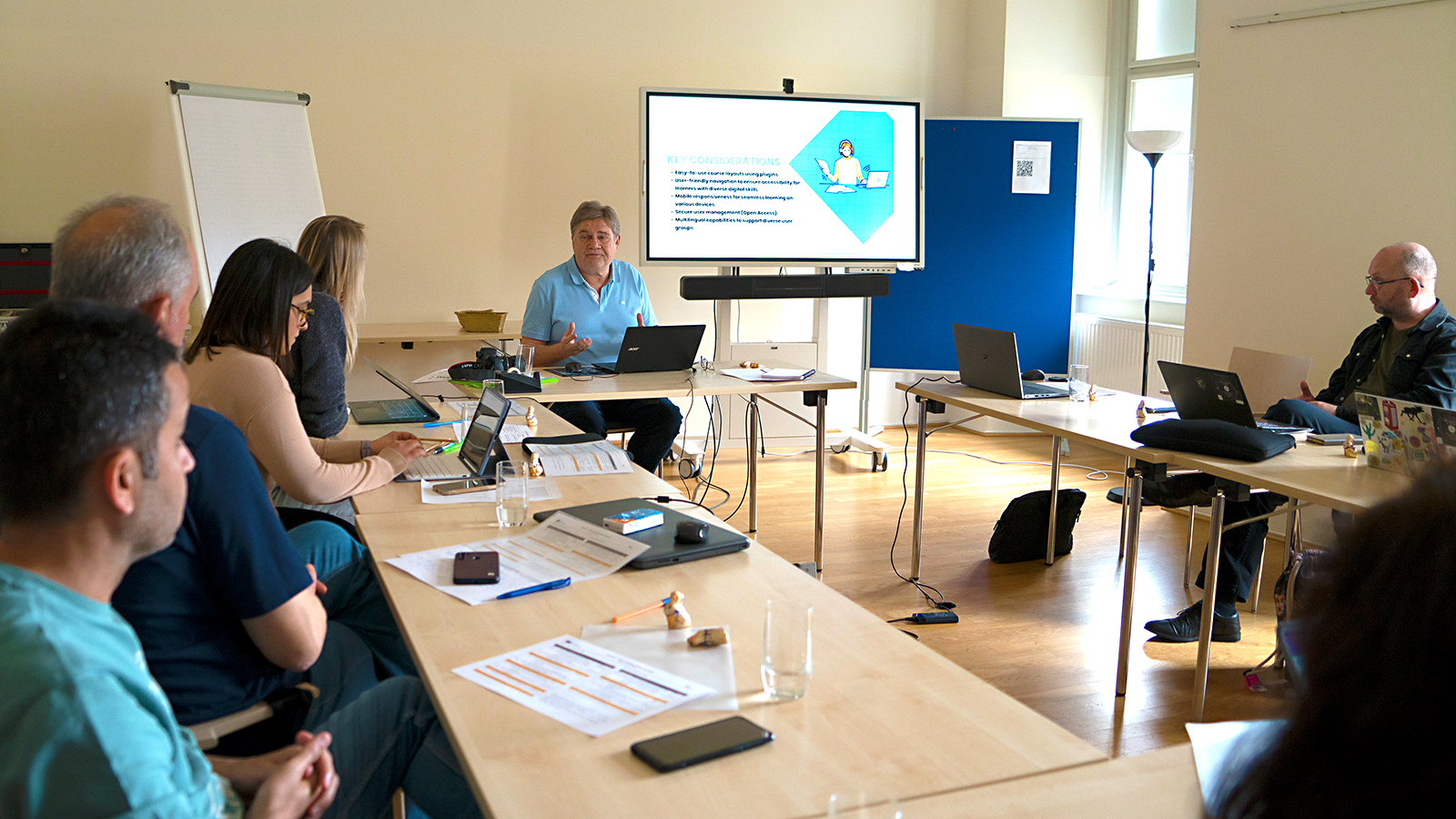
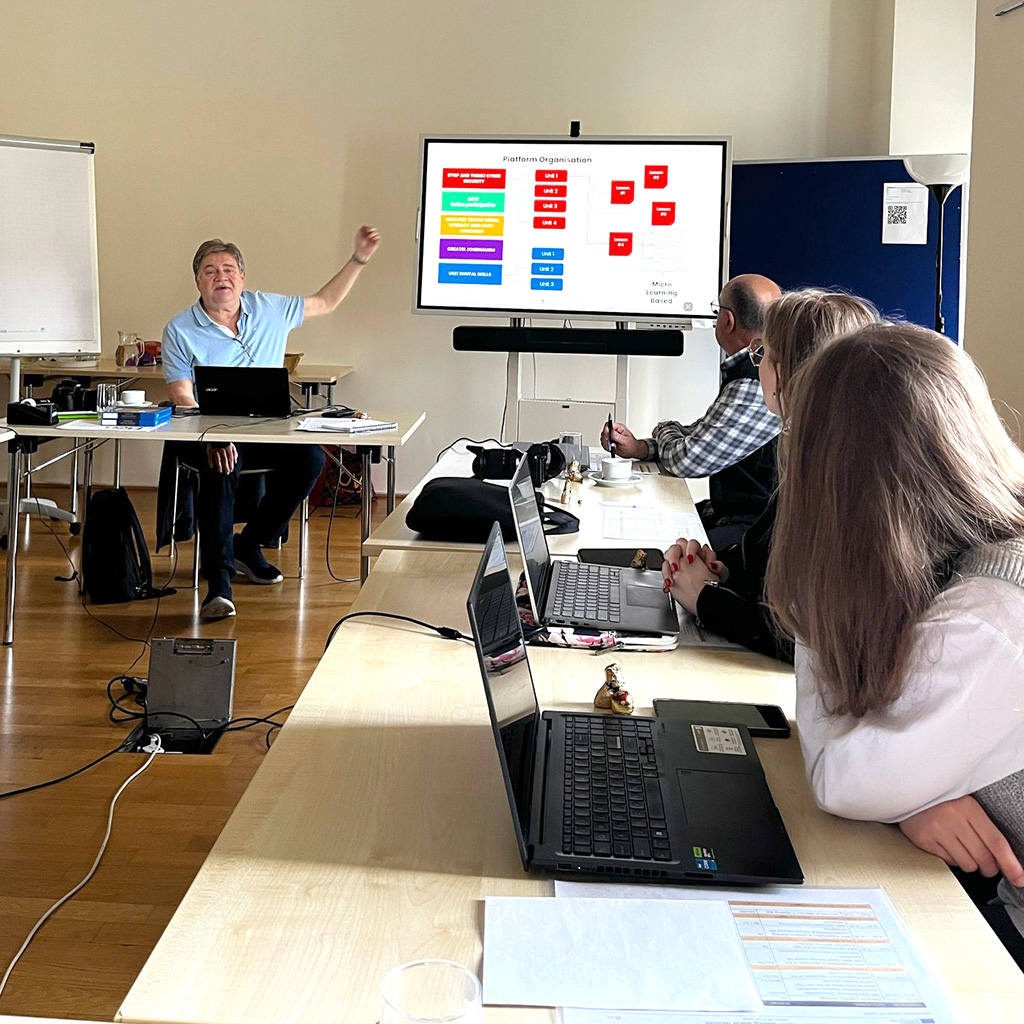
Finally, media educator Harald Makl presented the structure of the BonJour! learning platform. The platform consists of five modules and offers personalised learning paths, automated progress analysis and feedback. It is designed to be easy to use and to support learners in developing media competence independently.
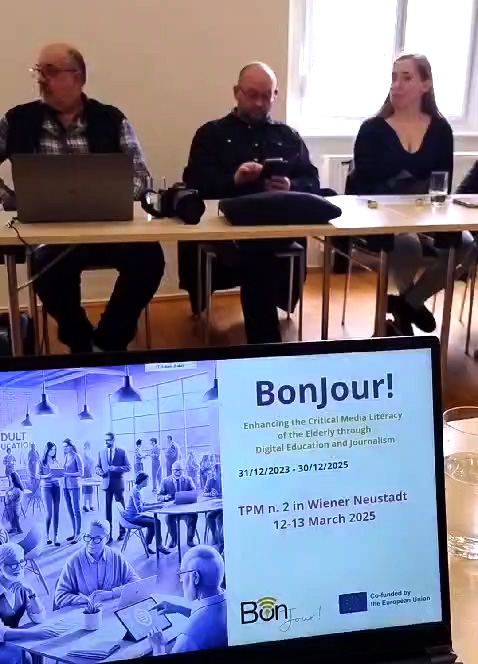
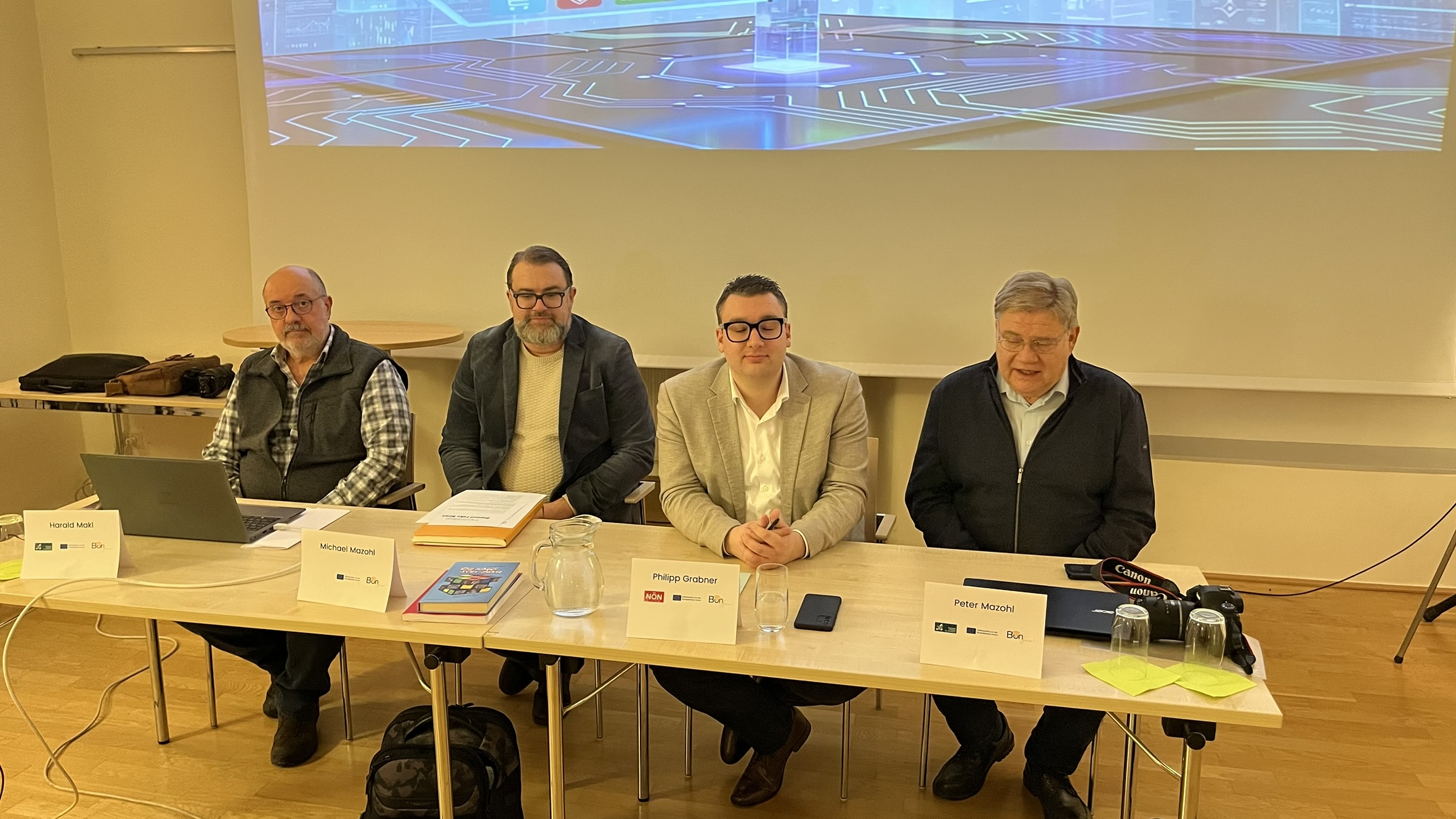
The panellists of the event (from left to right): Harald Makl (Media Educator), Michael Mazohl (Blogger, Author and media consultant), Philipp Grabner (Journalist) and Peter Mazohl (Head of the EBI)
Open for questions
The evening concluded with a panel discussion and open Q&A session, giving participants the opportunity to ask questions and share their perspectives. The event ended in a relaxed atmosphere with a small buffet, allowing for further conversations and exchange of ideas.
The strong interest from participants showed that media literacy is an increasingly important topic—especially for older adults who want to navigate the digital world confidently and responsibly.
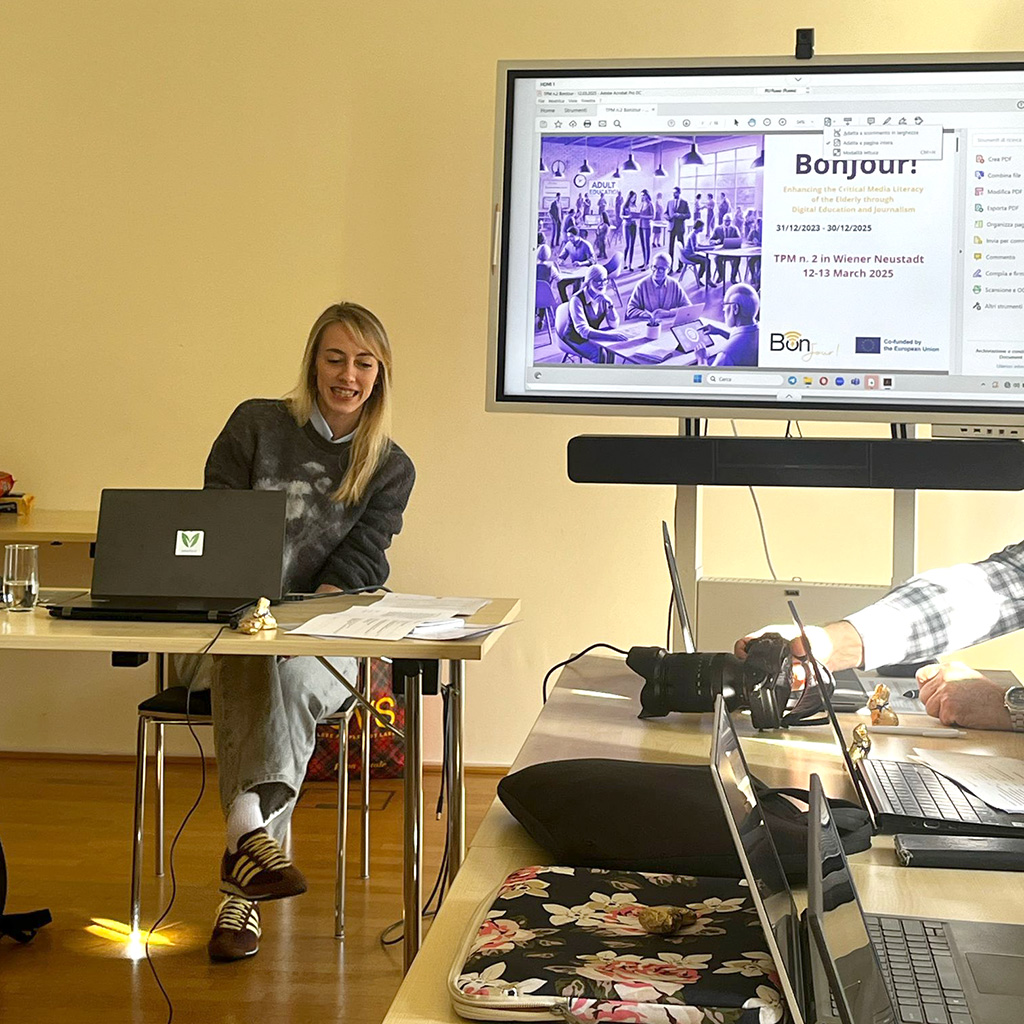
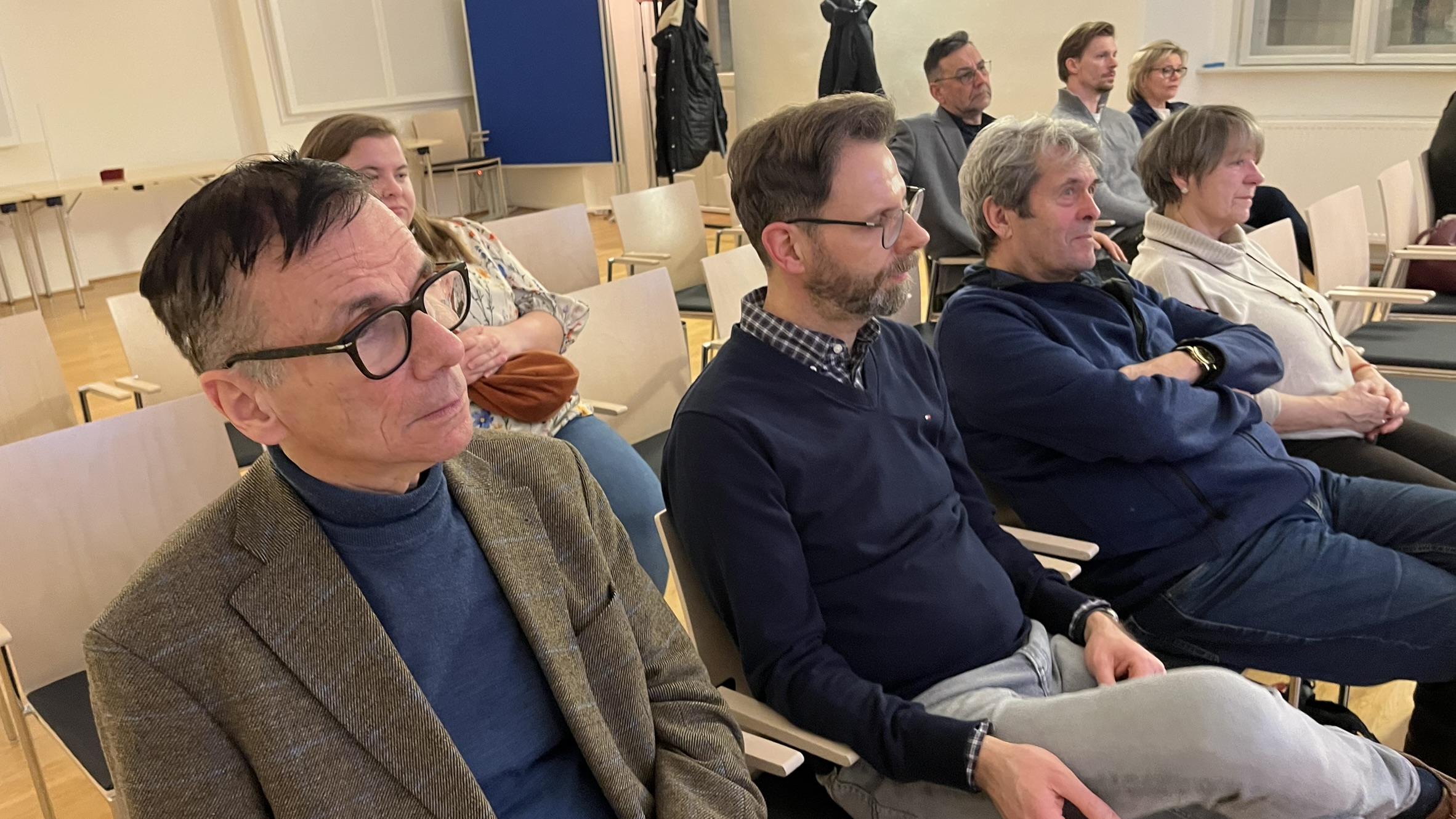
The audience was first listening the introduction, but started timely an interesting discussion with the panellists.
Funded by the European Union. Views and opinions expressed are however those of the author(s) only and do not necessarily reflect those of the European Union or the European Education and Culture Executive Agency (EACEA). Neither the European Union nor EACEA can be held responsible for them.
In einer Zeit, in der Nachrichten nicht mehr nur gedruckt auf dem Frühstückstisch liegen, sondern im Sekundentakt auf unseren Smartphones aufpoppen, hat sich das Wesen der Information grundlegend verändert. Früher bildeten Leitartikel namhafter Zeitungen das Fundament der öffentlichen Debatte; heute konkurrieren sie mit flüchtigen „Likes“ und oft zweifelhaften Meldungen in den sozialen Netzwerken. Das schreit nach “Medienkompetenz für Senioren” und alle Bürger, die sich kritisch mit Medien auseinandersetzen wollen.
Für viele Bürger, insbesondere für die Generation, die mit der Verlässlichkeit des klassischen Journalismus aufgewachsen ist, stellt sich eine drängende Frage: Wem können wir in diesem digitalen Labyrinth noch glauben?
Der schmale Grat zwischen Meinung und Manipulation
Der digitale Wandel bietet enorme Chancen für die Teilhabe, doch er birgt auch Risiken für den gesellschaftlichen Zusammenhalt. Desinformation und gezielte Falschmeldungen polarisieren Debatten und gefährden das Vertrauen in unsere demokratischen Institutionen. Besonders die Generation 55+ steht hier vor einer neuen Herausforderung: Es gilt, die jahrzehntelange Lebenserfahrung mit den technischen Mechanismen der digitalen Welt zu verknüpfen.
Wo endet die persönliche Meinung eines Nutzers, und wo beginnt die systematische Lüge? Um diesen schmalen Grat zu erkennen, bedarf es mehr als nur technisches Verständnis – es bedarf einer Rückbesinnung auf das journalistische Handwerk.
Genau hier setzt unsere kommende Veranstaltung an. Wir freuen uns, zwei Experten begrüßen zu dürfen, die Licht in das Dickicht der Informationsflut bringen:
Ein führender Journalist wird über das Ringen um Objektivität im digitalen Zeitalter berichten und aufzeigen, warum fundierte Leitartikel gerade heute als Kompass unverzichtbar sind.
Ein erfahrener Medienberater, Autor und Blogger gewährt Einblicke in die akribische Praxis der Recherche. Am Beispiel seines aktuellen Buches, das auf über 200 verifizierten Quellen basiert, demonstriert er, dass Wahrheit kein Zufallsprodukt ist, sondern das Ergebnis harter, methodischer Arbeit.
Das BonJour!-Projekt: Brücken bauen, Kompetenz stärken
Hinter diesen Bemühungen steht das BonJour-Projekt. Unser Ziel ist es, die Medienkompetenz älterer Erwachsener nachhaltig zu stärken. Wir sind überzeugt: Medienbildung ist kein Privileg der Jugend, sondern eine notwendige Voraussetzung für aktive Bürgerschaft in jedem Alter.
Wir entwickelten das neue Berufsbild des „Media Educator for the Elderly“ – Spezialisten, die Senioren dabei unterstützen, nicht nur Konsumenten, sondern souveräne und kritische Akteure in der digitalen Welt zu sein. Es geht darum, das kritische Denken zu schärfen, die Selbstwirksamkeit zu fördern und die Kluft zwischen den Generationen zu überbrücken.
Unterstützt werden diese Bemühungen durch einen Onlinekurs, der in fünf Modulen einen Überblick über Basiswissen zum Arbeiten im Internet, dem Problem der Unterscheidung von Fakten und Meinungen und eigenen journalistisch seriösen Veröffentlichungen anbietet. Der Selbstlernkurs ist auf einer niedrigschwelligen Plattform zu erreichen: BonJour! Training Kurs und steht in den Sprachen Deutsch, Englisch, Italienisch, Portugiesisch, Polnisch und Türkisch zur Verfügung.
Einladung zum Dialog
Wir laden Sie herzlich ein, Teil dieser wichtigen Debatte zu werden. Lassen Sie uns gemeinsam lernen, wie wir die Mechanismen der Manipulation durchschauen und die Qualität der Information wieder in den Mittelpunkt rücken.
Bleiben Sie informiert, bleiben Sie kritisch – bewahren wir gemeinsam die Kultur des fundierten Wortes.
„Letztlich ist Medienkompetenz für Senioren das entscheidende Herzstück unserer Arbeit im Erasmus+ BonJour! Projekt, da sie als digitaler Schutzschild gegen Desinformation fungiert und der Generation 55+ die nötige Souveränität verleiht, um auch im digitalen Zeitalter sicher, kritisch und selbstbestimmt am gesellschaftlichen Dialog teilzunehmen.“Peter Mazohl
Funded by the European Union. Views and opinions expressed are however those of the author(s) only and do not necessarily reflect those of the European Union or the European Education and Culture Executive Agency (EACEA). Neither the European Union nor EACEA can be held responsible for them.
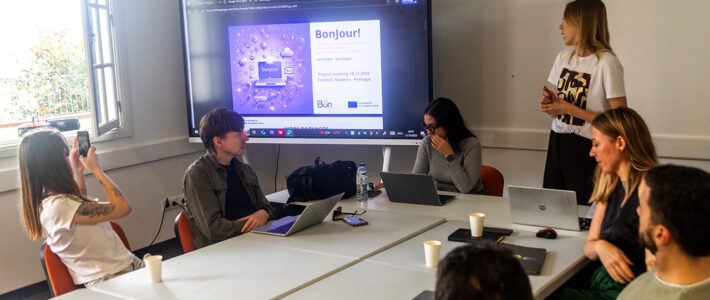
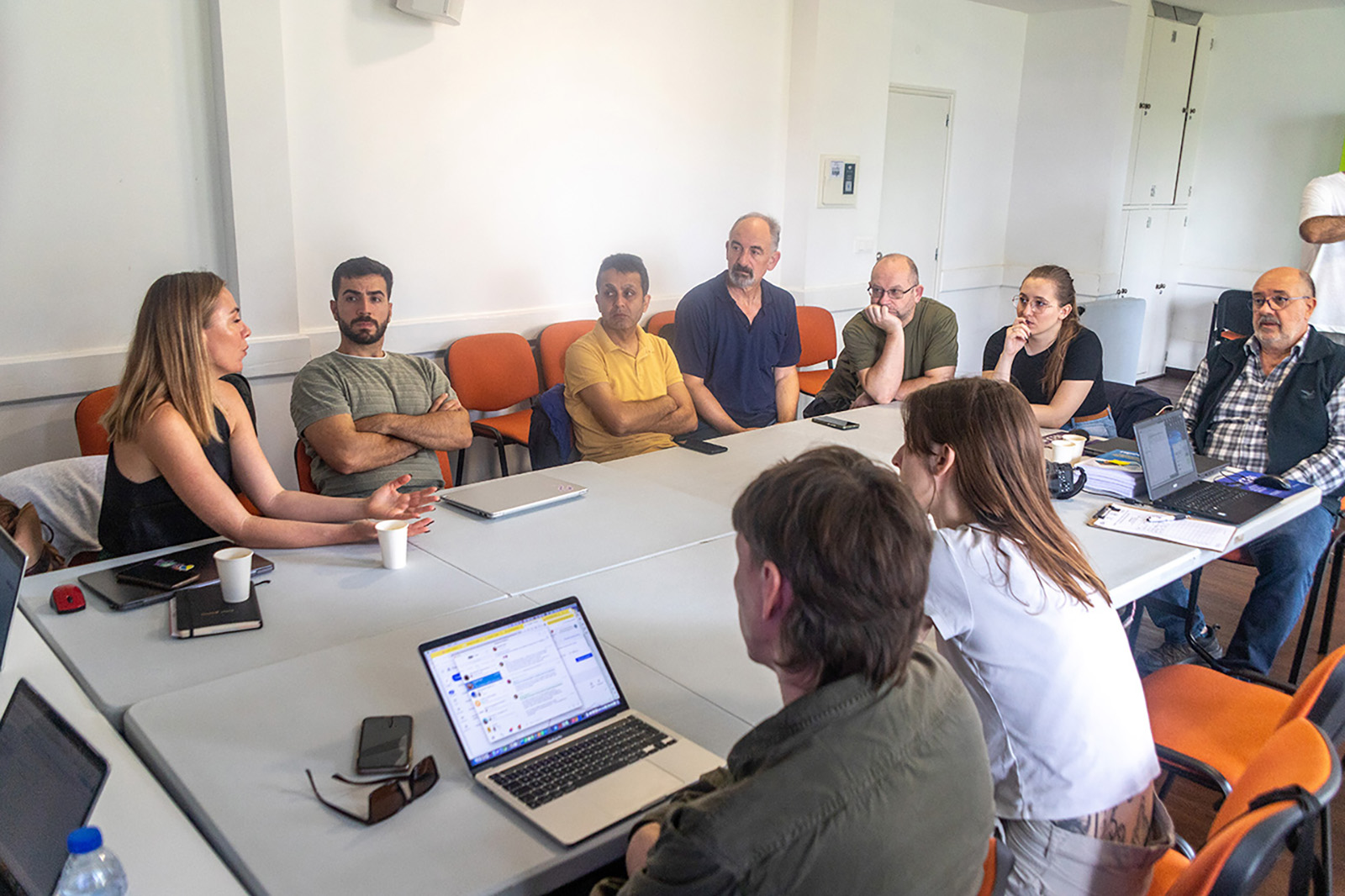
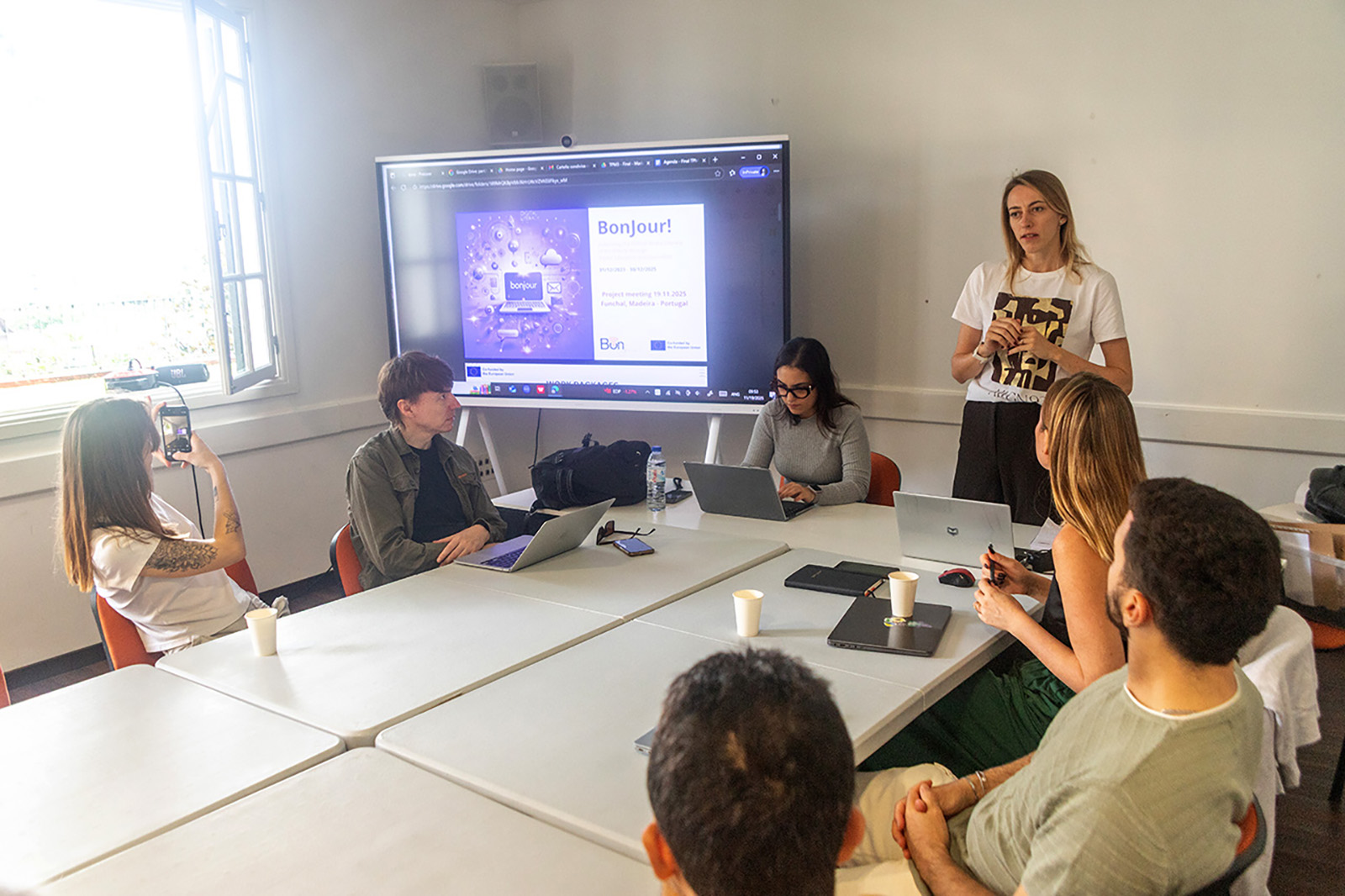
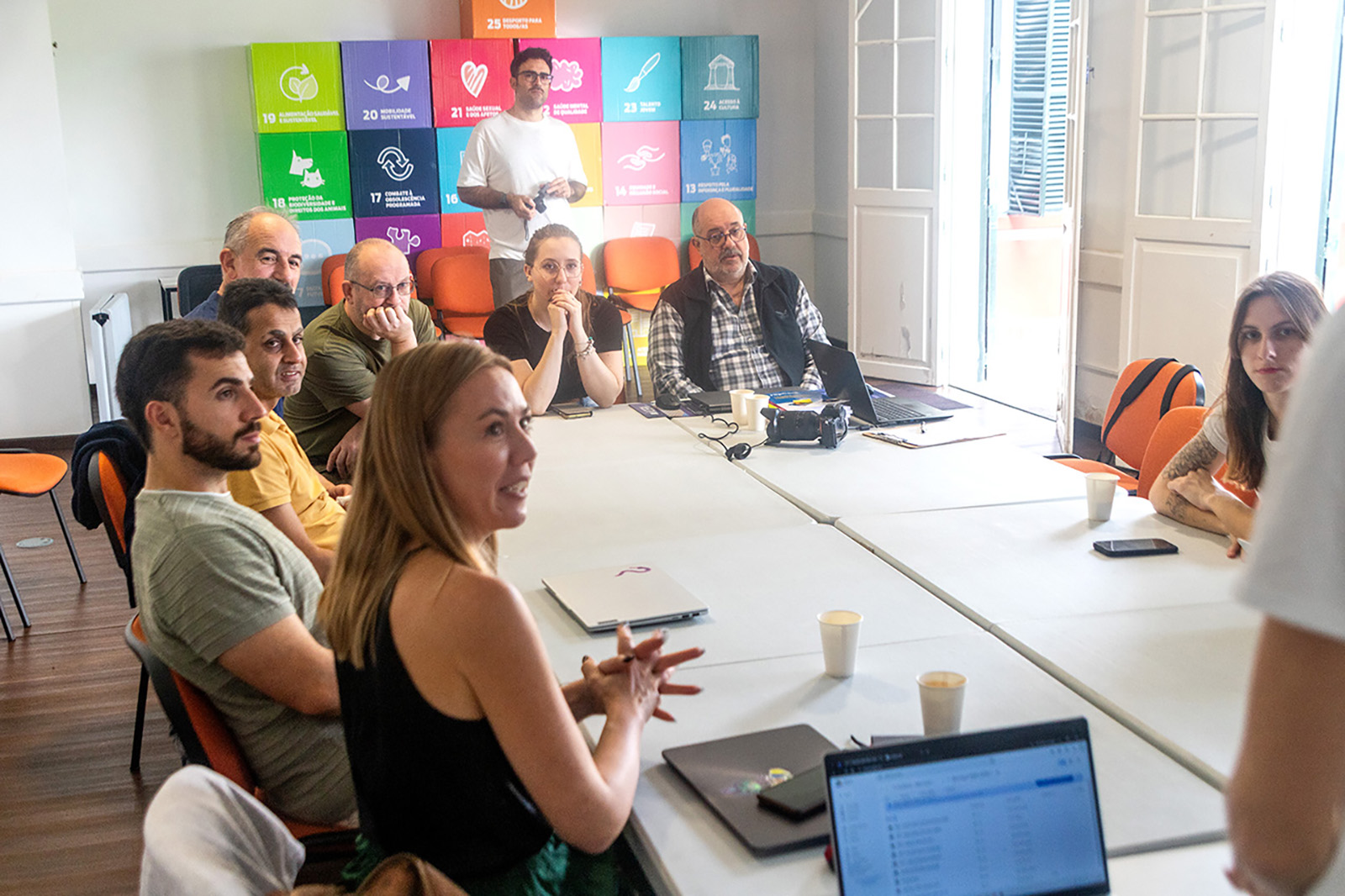
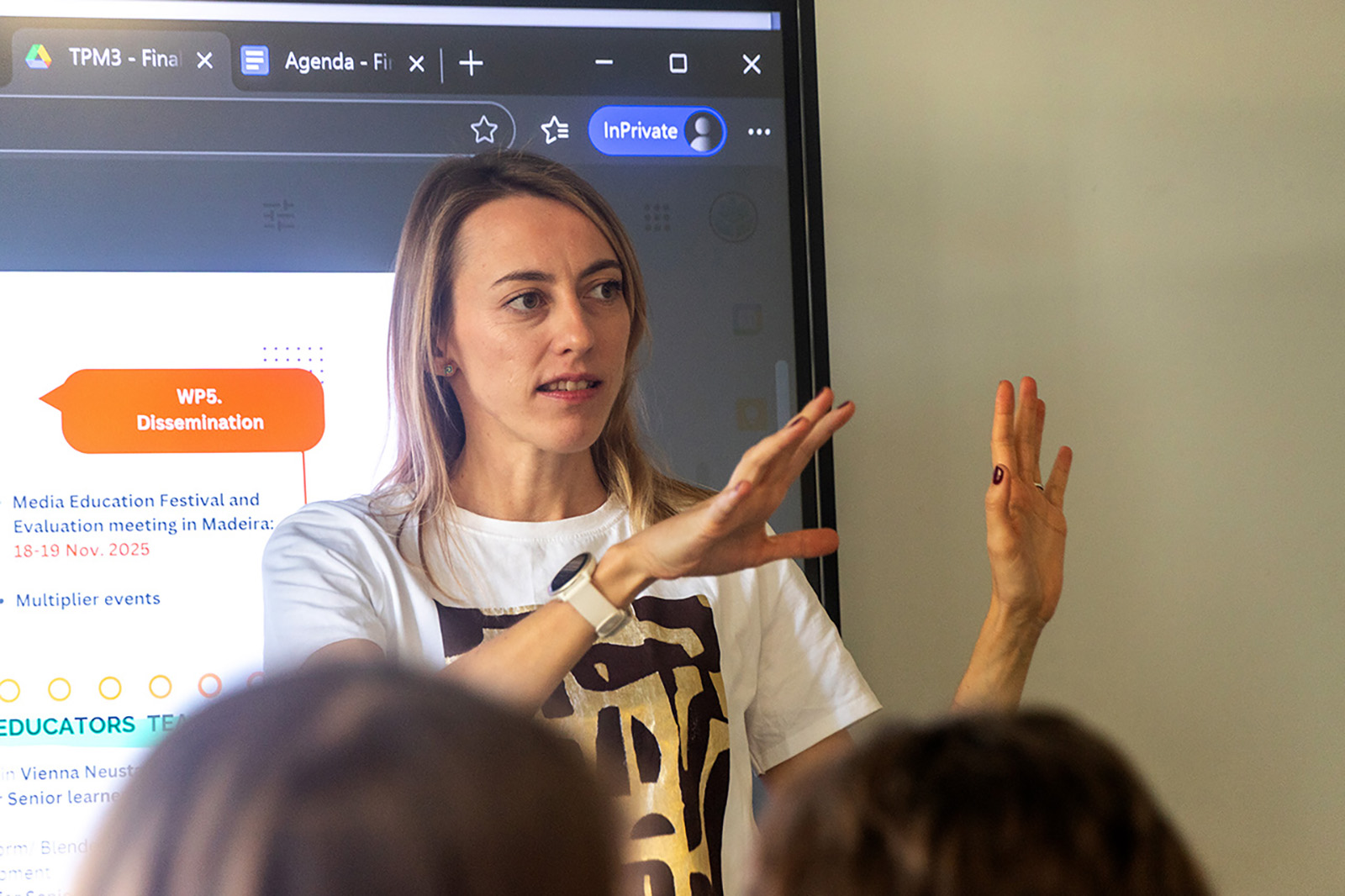
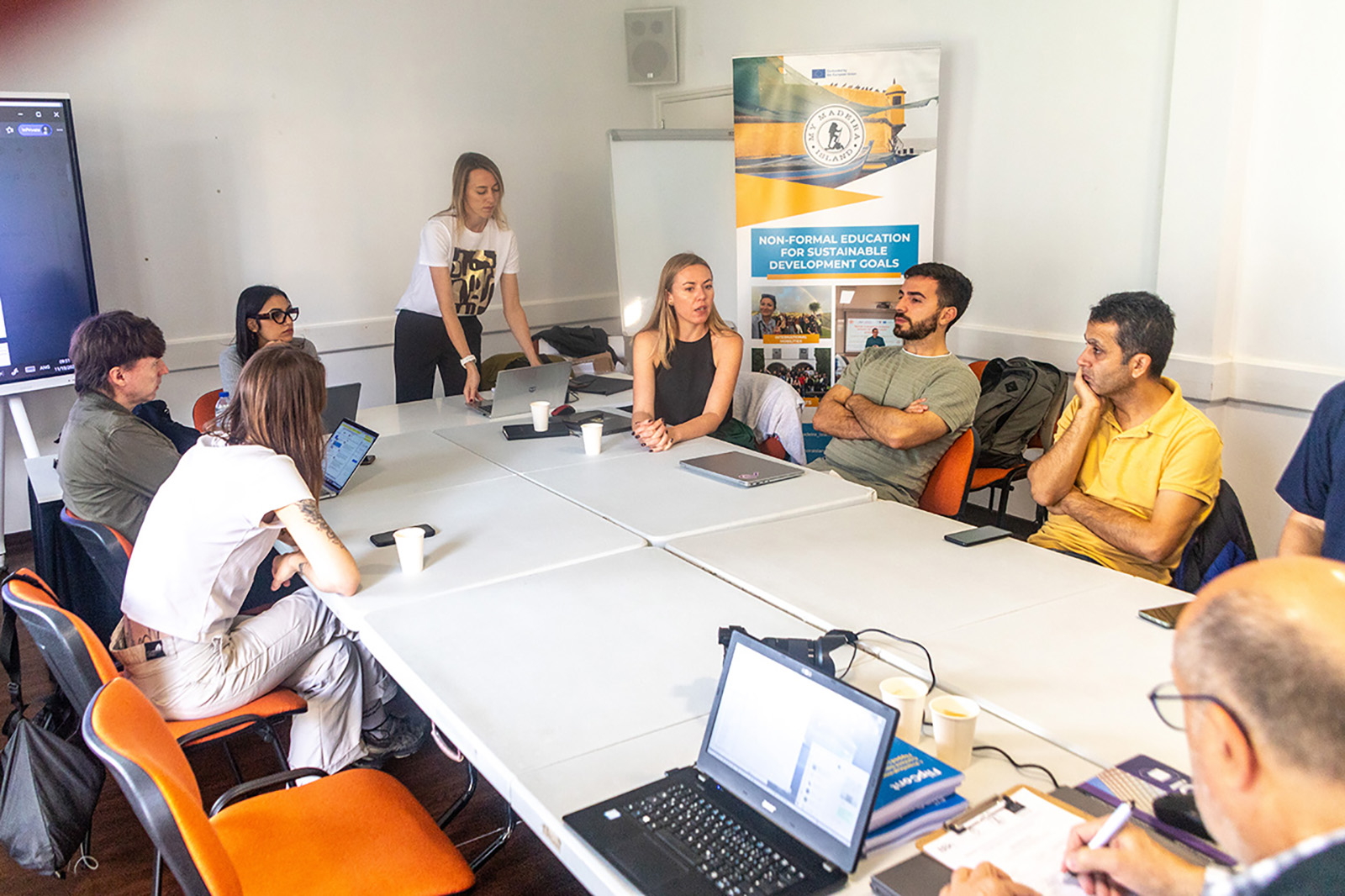
On 19 November 2025, partners of the BonJour! project met in Funchal, Madeira (Portugal) for a project coordination meeting. The meeting focused on reviewing project progress, coordinating upcoming activities, and preparing the next implementation steps.
The session began with a short overview of the overall project status, including administrative and financial updates as well as upcoming deadlines and deliverables. This helped ensure that all partners share a clear understanding of the current stage of the project.
A central topic of the meeting was the progress of Work Packages 2 and 3, including the confirmation of remaining tasks and the planning of translations. Partners discussed responsibilities and agreed on a timeline to finalise the remaining work.
Another important part of the meeting focused on Work Package 4, particularly the development of guidelines for educators who will use the BonJour! learning platform. The partners reviewed a draft version of the guidelines and discussed how the platform can best support learning activities with senior learners.
Pilot Training of all partners
The consortium also exchanged experiences from earlier activities and began planning local training sessions for older adults in the partner countries. These sessions will help test and refine the learning platform in real learning environments.
In addition, the partners discussed the evaluation of training activities, including the design of questionnaires and the overall evaluation methodology. This will help measure the learning outcomes and improve future training activities.
6 Language Versions of the Platform
The meeting concluded with a discussion about the translation of the platform and the coordination of next steps. Partners summarised the key decisions and confirmed the upcoming milestones and deadlines.
Screenshot of the opening page of the learning platform.
Overall, the meeting was productive and helped move the BonJour! project forward, ensuring that the learning platform and training activities continue to develop successfully.
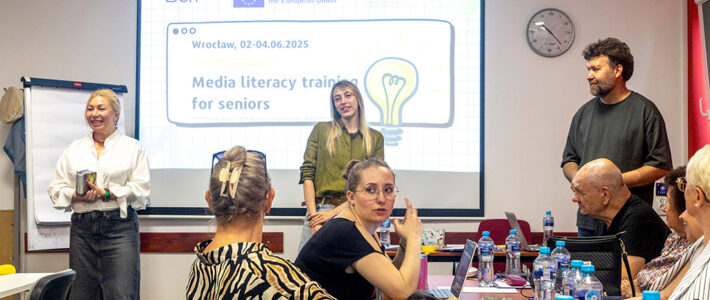
Wrocław provided a fitting setting for this international training on media literacy, fact-checking and cybersecurity. The city is known for its beautiful market square, colourful historic buildings and lively cultural life. With its open and welcoming atmosphere, Wrocław offered an inspiring place for learning, exchange and cooperation.
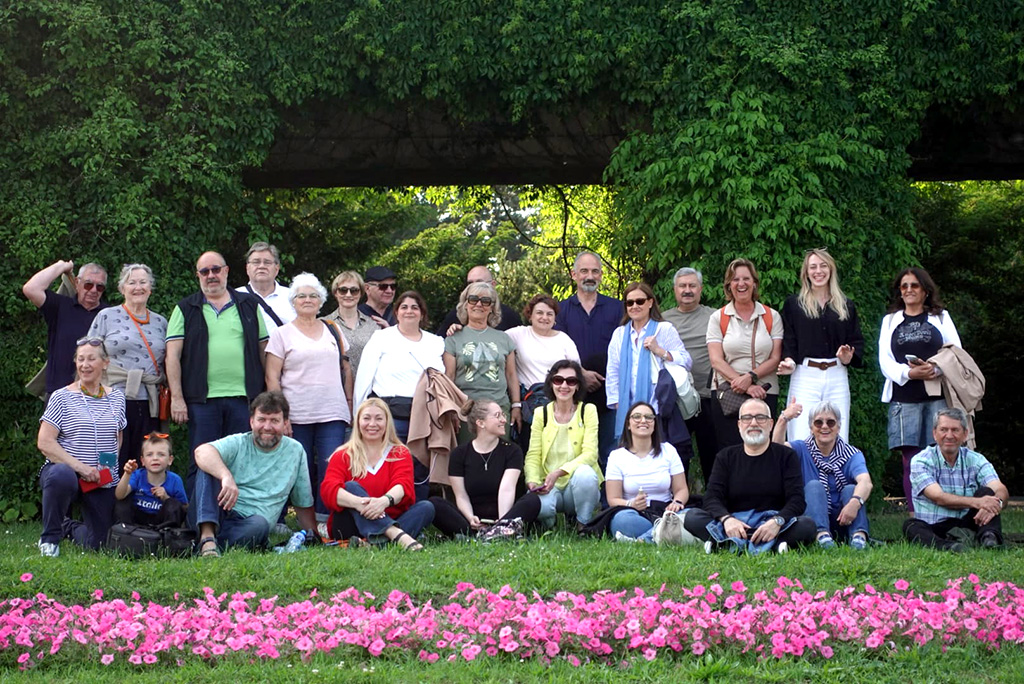
The event in Wrocław formed part of a multi-day international training programme that brought together learners and trainers from five countries: Austria, Italy, Portugal, Poland and Türkiye. At least two learners from each country took part in the training, which gave the meeting a truly European and intercultural character. This international mix created valuable opportunities for exchange, discussion and mutual learning throughout the programme.
A well-structured training programme
The training programme followed a clear and meaningful structure. One part of the programme introduced participants to the wider project and helped them get to know one another. Another part focused on the question of what media literacy means today and which media competences older people especially need. This created an important foundation for the practical sessions that followed.
The structure of the training worked especially well because it moved step by step from general understanding to practical action. Participants first explored why media literacy matters in everyday life. Then they worked on fact-checking, source analysis and media-related critical thinking. After that, they turned to cybersecurity and learned how to recognise and avoid online threats such as phishing. This sequence gave the programme a strong educational logic and helped participants connect the different topics.
The training involved participants actively by group work, or presentations and joint discussions.
The training also included several feedback moments. These gave participants time to reflect on what they had learned and to share their impressions with the group. This made the programme feel interactive and learner-centred. Participants did not simply listen to presentations. They asked questions, solved tasks together, discussed examples and contributed their own experiences.
The intercultural evening added another important element to the event. Participants from the different countries prepared dishes and cultural contributions and shared them with the group. This part of the programme strengthened the social side of the training and helped build trust and openness among the participants.
More than a meeting: a shared European learning experience
The multi-day training in Wrocław offered much more than a series of lessons. It created a shared European learning experience that combined practical knowledge, social exchange and intercultural understanding. Because learners from different countries took part, the discussions also reflected different perspectives, habits and experiences in dealing with digital media.
This international dimension mattered. Media literacy and cyber security affect people across Europe, but people do not always approach these topics in the same way. By learning together, participants could compare experiences, ask questions freely and discover that many digital challenges are shared across borders. This gave the training additional value and strengthened its European spirit.
Training focus 1: Analyse! Media Literacy and Fact Checking
One important session in the programme was Analyse! Media Literacy and Fact Checking, delivered by MMI, the Portuguese project partner. This session introduced the topic in an interactive and engaging way through a question-and-answer game.
This format worked especially well because it encouraged participants to take an active role from the start. Instead of receiving information only through explanation, they engaged with key ideas through questions, answers and group interaction. The game-based approach likely helped participants reflect on their existing knowledge, test their assumptions and build confidence in discussing media-related issues.
The session also fitted very well into the overall structure of the training. It created a bridge between the broader introduction to media literacy and the more detailed practical activities that followed later in the programme. By using a question-and-answer format, MMI helped make the topic accessible and lively. This was especially important in a mixed international learning group, where interactive methods often support participation more effectively than lecture-style teaching alone.
In the context of the full training, this session played an important role. It helped participants focus on key questions related to media literacy and fact-checking, and it prepared them for deeper work on source credibility, misinformation and critical evaluation. It also supported the learner-centred spirit of the event, since participants learned through participation, discussion and shared reflection.
Training focus 2: Source Detective – Who’s Behind the Article – and is it true?
One of the key practical sessions of the training was Source Detective – Who’s Behind the Article – and is it true? This training focused on a central question of media literacy: how can we decide whether an online article is trustworthy or misleading?
The learner document set out three clear goals for the session. By the end, participants should know how to recognise reliable online sources, use digital tools to check information, and feel more confident when deciding what to trust and share. These goals show that the session aimed not only to provide knowledge, but also to strengthen confidence and independent judgement.
The session used a strongly practical format. Participants worked in small groups of two to four and analysed three online articles. They had to ask key questions such as: Who published the article? Is an author named? What is the purpose of the text? Does the article include facts and sources? Does it appear biased or promotional? This method gave participants a simple but effective structure for analysing digital content.
The emphasis of this practical training was the group-based learning and jointly done work, with interactive presentations.
The training also introduced useful tools that support fact-checking and source verification. Participants could use Google Search, WHOIS Lookup, ICANN Lookup, Snopes and EDMO to investigate authors, websites and claims. This was a very important part of the session because it moved beyond theory. Participants did not only hear that they should verify information. They learned how to do it.
At the end of the session, participants shared their thoughts, joined a Mentimeter poll about their most and least trusted sources, and reflected on what made them trust or distrust an article. They also discussed what they would feel safe sharing on social media. These reflective tasks linked the activity directly to everyday online behaviour and personal decision-making.
The choice of the example articles also strengthened the session. The document included examples from NASA, Reuters and a more questionable health-related website. This contrast likely helped participants see how credibility depends on several factors, such as the reputation of the publisher, the transparency of authorship, the purpose of the text and the quality of the evidence. The activity therefore trained participants not only to consume information, but to examine it critically.
Overall, Source Detective gave participants a practical method for checking online content. It encouraged them to slow down, ask questions and verify before they trust or share.
Training focus 3: Stop and Think! – Cyber Security
Another important training session was Stop and Think! – Cyber Security. This module focused strongly on phishing awareness and practical digital self-protection. It aimed to help participants recognise online threats and respond to them in a calm and informed way.
The module began with an introduction to cyber-attacks and then narrowed its focus to phishing. It defined a cyberattack as an attempt to access a computer network or system in order to alter, steal, destroy or expose information. It also listed common types of cyberattacks, including malware, denial-of-service attacks, phishing, spoofing, insider threats, social engineering, AI-powered attacks, DNS tunnelling and code injection attacks. This overview gave participants a helpful understanding of the wider digital risk landscape before focusing on one particularly relevant threat.
The module then explained phishing as a digital scam that tries to obtain personal information such as usernames, passwords, credit card details and other confidential data. From there, the session introduced several forms of phishing, including bulk phishing, spear phishing, whaling, smishing and vishing. This showed participants that phishing can happen in different formats and can target both large groups and specific individuals.
A particularly strong part of the module was its focus on recognising warning signs. The session taught participants to look for unusual sender email addresses, generic greetings, urgent or threatening language, spelling and grammar mistakes, suspicious links or attachments, requests for personal information, unrealistic offers, inconsistencies in email design and weak signatures. It also mentioned email verification tools as another useful step. These signs gave participants a practical checklist for everyday situations.
The module also included hands-on learning activities. Participants worked with phishing images, identified suspicious elements, compared fake and real emails, and completed a phishing awareness quiz. These activities made the topic concrete and understandable. They translated cyber risks into visible examples and practical decisions.
The lesson on precautions added another important layer. The material stressed that people should avoid clicking on links in unexpected emails or messages, should never share passwords or financial information carelessly, and should use strong passwords, two-factor authentication and updated software. It also asked participants to think about what they should do if they clicked on a phishing link. In this way, the session did not stop at identifying danger. It also equipped participants with practical strategies for prevention and response.
Why the three sessions worked so well together
These three sessions complemented each other very effectively. The session by MMI introduced media literacy and fact-checking through an interactive question-and-answer game and created an accessible entry point into the topic. Source Detective then built on this foundation and gave participants a practical method for checking the credibility of articles, authors and publishers. Finally, Stop and Think! – Cyber Security shifted the focus towards digital safety and helped participants recognise and avoid phishing attempts and other online threats.
Together, the sessions addressed three important dimensions of digital competence. First, participants reflected on key ideas and questions connected to media literacy. Second, they learned how to verify information and judge online content more critically. Third, they developed practical strategies for protecting themselves in digital environments. This combination made the programme coherent, relevant and highly useful for everyday life.
A meaningful multi-day training in Wrocław
The training in Wrocław offered much more than information. It gave participants the chance to learn together, reflect together and build confidence together. Across several days, the programme combined critical thinking, practical skill-building and intercultural exchange in a way that felt both structured and human.
The event helped participants understand today’s digital challenges in a concrete and accessible way. It also strengthened their ability to question online sources, recognise misleading content, identify phishing attempts and make safer choices online. Because the training brought together learners from Austria, Italy, Portugal, Poland and Türkiye, it also showed the value of European cooperation in adult education.
That is what made the training so meaningful. It did not only inform participants. It empowered them.
Funded by the European Union. Views and opinions expressed are however those of the author(s) only and do not necessarily reflect those of the European Union or the European Education and Culture Executive Agency (EACEA). Neither the European Union nor EACEA can be held responsible for them.
Micro-learning (ML) is an approach to education that delivers small, focused learning units. These bite-sized lessons focus on a single topic or skill, making it easier for learners to absorb and apply new knowledge quickly. Typically, micro-learning is designed for short and engaging sessions, often lasting just a few minutes. It is widely used in digital education, training, and professional development.
Key Features of Micro-Learning
Imagine learning something new, but instead of long lectures, you get short, focused bursts of information. Think of it like this: each lesson is a quick, easy-to-digest experience, designed to be completed in just a few minutes.
We’re not trying to overwhelm you; we’re focusing on one specific topic or skill per unit, ensuring you truly understand what’s being taught. To keep things interesting, we’ve packed each lesson with engaging content, using multimedia elements like videos, quizzes, and interactive tasks.
You can learn whenever and wherever you want, accessing the content on any device because we understand life gets busy. And most importantly, you’re in control. You can complete the lessons at your own speed, ensuring you fully grasp each concept before moving on. It’s like having a personal learning journey, tailored just for you.
Advantages of Micro-Learning
The learning approach based on ML provides numerous advantages. Most of them are relevant in Adult Education.
Improved retention When learning happens in short bursts, it becomes easier to remember key information. Instead of being overwhelmed by long lectures or heavy reading, you can focus on one idea at a time and truly absorb it.
Time-efficient We all have busy schedules, and finding time for long training sessions can be difficult. ML allows you to learn in just a few minutes, making it easy to fit into your daily routine—whether during a coffee break, on the train, or between meetings.
Motivating Learning should never feel like a chore! With interactive elements, short quizzes, and engaging visuals, ML keeps you interested and involved. When lessons are varied and fun, staying motivated comes naturally.
AdaptableML-learning can be tailored to your needs. It works well across different industries, education levels, and learning styles, ensuring that everyone can benefit.
Cost-effective ML enables quick and simple methods to develop while still delivering high-quality education. In many cases, content is reusable and can be integrated in other learning context. This makes it an ideal solution for organisations and educators looking to provide effective training without high costs.
ML content can be created using digital tools such as H5P and CANVA. These platforms allow educators and trainers to design engaging learning experiences with minimal technical effort.
H5P
H5P is an open-source framework that allows the creation of interactive learning content within learning management systems such as Moodle. It supports interactive videos, quizzes, simulations, and presentations that encourage learner participation.
CANVA
CANVA is an easy-to-use design tool that enables educators to create visually appealing learning materials. It offers templates for presentations, infographics, and social media posts, making micro-learning more engaging and accessible.
ML in the BonJour! Project
The Low-Threshold Learning Platform(s) developed in the frame of the project makes extensively use of ML.
The spread of disinformation and misinformation poses risks to democracy, public health, and social cohesion, particularly affecting older adults who often lack adequate media literacy. The BonJour! project aims to bridge this gap by enhancing media literacy, journalism skills, and digital competencies for people over 55, fostering their social activism, and reducing the generational digital divide through blended learning formats.
Project number: 2023-1-IT02-KA220-ADU-000160320
Webpage: www.bonjour-project.eu/
The limits of a system that should make you think.
AI is neither intelligent nor creative. What we know as computer users are language models that represent a natural language interface to a powerful data pool. This data pool is created through so-called “machine learning”, which is nothing more than a systematic mediation of information available to all of us. This fact alone excludes creativity as far as possible. Anything that goes beyond the combination of existing information simply does not exist. Let’s talk about AI limits!
It is easy to show that AI can only reproduce what already exists and that this depends on the learning process:
Answer: Here is your full red wine glass! Let me know if you want any changes. 🍷😊
Second attempt: Please draw it more full!
Full glass of red wine, second attempt by ChatGPT.
Here’s your red wine glass full to the brim! 🍷 Hopefully without spilling. 😉 Let me know if you want any adjustments!
Let us try another commonly used AI tool to check the situation
Microsoft CoPilot
Prompt: Please draw a full glass of red wine.
Full glass of red wine, first attempt by Microsoft Copilot.
Please make the glass really full!
Full glass of red wine, second attempt by Microsoft Copilot.
Here’s a red wine glass that’s really filled to the brim! I hope this is exactly what you had in mind. 🍷
I mention that this outcome does not match with the asked picture. Copilot gives up: You’re right, it seems I’m currently struggling to make a really full glass of red wine look photorealistic. My skills have their limits when it comes to certain details or precision in generated images.
Why is that – what is the reason for this phenomenon?
AI does not understand what the user wants at all. In plain language: The prompt is an input that is interpreted according to learned patterns and implemented on a random basis. However, the random hit rate – due to incredibly expensive training – is close to 100%.
The prompt is analysed in an attempt to provide an answer from the knowledge base. In our query, images of wine glasses are searched for, the information is incorporated in red and then an image is created based on the hits found.
The crucial point is the data material: the image training is apparently done with wine glasses that are well filled. Apparently, there are no images of full glasses, and this condition is not explicitly explained. The AI does not understand the term “full” in this context because AI generally does not understand anything.
The experiment with the water glasses
Please draw a photorealistic picture of 4 glasses of water standing next to each other: The first is empty, the second is half full, the third is three-quarters full, and the fourth is “completely” full.
These water glasses are created by ChatGPT. Prompt: Please draw a photorealistic picture of 4 glasses of water standing next to each other: The first is empty, the second is half full, the third is three-quarters full, and the fourth is completely full.
Water glasses created by Microsoft Copilot. Prompt: Please draw a photorealistic picture of 4 glasses of water standing next to each other: The first is empty, the second is half full, the third is three-quarters full, and the fourth is completely full.Evaluate the results yourself!
What do we conclude from this? Where are AI limits?
AI can be a useful tool for completing tasks that are tedious and time-consuming. but – AI has limits!
Anything related to text works really well because of the excellent language models. Automated queries such as creating lists, reformatting, pulling common keywords from a text also work well.
Writing a small program that renames all images in a folder according to a certain predefined logic is also possible without any problems and is created to the satisfaction of the client.
Caution is advised when it comes to factual knowledge, things related to creativity or complex logical contexts.
AI always provides an answer – but it is the user’s responsibility to analyse and make any necessary corrections. Never forget! AI limits are always to be considered!
What does AI say on this subject?
ChatGPT
The Limits of AI: Creativity and Intelligent Connections
AI has made impressive progress in many areas, but it still has clear limitations, especially in creativity and the ability to make truly intelligent connections. Below is a detailed look at these limits, including the field of image generation.
1. Creativity: Can AI Truly Be Creative?
AI can simulate creativity but does not experience it. Human creativity comes from emotions, personal experiences, and deep understanding, while AI works by analysing patterns in existing data. This leads to several key limitations:
Lack of Originality: AI generates content based on learned patterns. It cannot create something truly new in the way humans can.
No Personal Insight: AI does not have its own thoughts, emotions, or experiences, so it cannot produce ideas based on intuitive leaps.
Struggles with Abstract Thinking: AI finds it difficult to understand or create works based on deeper philosophical, artistic, or cultural insights.
Example: A human artist may invent an entirely new art style based on personal emotions, but AI can only remix elements from existing styles.
2. Intelligent Connections: Does AI Really “Think”?
AI can analyse vast amounts of data and detect patterns that humans might miss. However, its reasoning is mechanical, not truly intelligent. The main limitations include:
No Real Understanding: AI processes information statistically but does not “understand” concepts as humans do. It cannot truly grasp irony, sarcasm, or deep meanings.
Context Struggles: AI can make connections based on data but often misses the bigger picture. It may link two ideas incorrectly or fail to see an obvious relationship.
Logical Errors: AI does not reason like a human—it follows predefined rules, so it sometimes produces flawed or nonsensical conclusions.
Example: AI can summarise a news article but might misinterpret a metaphor or fail to connect it to historical events in a meaningful way.
3. Image Generation: Strengths and Weaknesses
AI-generated images have advanced significantly, but they still have weaknesses:
Strengths:
✔ Fast and detailed: AI can produce high-quality images in seconds. ✔ Style adaptation: AI can replicate existing art styles effectively. ✔ Endless variations: AI can generate multiple versions of an idea quickly.
Weaknesses:
❌ Inconsistencies: AI sometimes struggles with small details, like correct hand or eye placement. ❌ Lack of deep meaning: AI-generated images can look artistic but lack true emotional depth. ❌ Creativity limits: AI can only remix existing styles and elements—it does not invent truly original art.
Example: An AI can create an impressive surreal painting, but a human artist adds symbolism and personal meaning that AI cannot replicate.
Conclusion: AI as a Tool, Not a Creator
AI is a powerful tool for assisting with creativity and analysis, but it does not truly think or create in the way humans do. It can generate impressive content but lacks the personal insight, originality, and deep understanding that define human intelligence.
For now, AI is best used as a support system—helping humans explore ideas, enhance productivity, and refine creative work. But true creativity and deep connections? Those remain uniquely human strengths.
Microsoft Copilot
The boundaries of artificial intelligence can be understood in various domains. Let me break it down clearly for you, focusing on creativity, intelligent connections, and especially image generation:
Creativity
Strengths: AI excels at generating original ideas and creating content based on patterns, examples, and prompts. For instance, it can write poetry, suggest innovative solutions, or develop novel concepts when guided.
Limitations: True creativity often involves emotional depth, personal experiences, and abstract intuition—qualities AI doesn’t possess. It can mimic creativity but lacks the emotional context behind human artistry.
Intelligent Connections
Strengths: AI is outstanding in identifying and analysing complex patterns in vast datasets. It can synthesise information and connect ideas that might not be immediately obvious to humans. For instance, it can offer cross-disciplinary insights by linking diverse fields of study.
Limitations: AI struggles with subjective interpretations, cultural nuances, and emotionally driven decisions. Its connections are based purely on logic and data, not lived experiences or instinct.
Image Generation
Strengths: AI can generate visually appealing and imaginative images based on text descriptions. This capability opens opportunities in design, marketing, and storytelling.
Limitations: There are challenges with precision. For instance, AI might fail at getting specific details accurate, as you observed with the wineglass examples. AI also cannot recreate exact replicas of real-world objects or respect all stylistic nuances in some cases.
General Boundaries of AI and AI limits
Ethics and Safety: AI cannot engage in harmful, illegal, or unethical tasks, ensuring a responsible interaction framework.
Human-like Understanding: While it can process language and simulate conversations, it doesn’t “understand” concepts as humans do.
Dependence on Input: AI needs clear, specific input to perform effectively. Ambiguity or lack of context can lead to errors.
Imagination vs. Reality: AI “imagines” outcomes based on its training data but doesn’t inherently grasp the reality or functionality of its outputs.
In summary, AI is a remarkable tool, but its abilities still fall short of human intuition, emotion, and precision in certain areas. These limitations offer a collaborative space for human creativity to thrive alongside AI’s computational power.
The intermediate project meeting of the BonJour! Project, organised by Europäische Bildungsinitiative, took place in Wiener Neustadt, bringing together all project partners for an engaging and productive exchange. The meeting was characterised by a positive working climate, valuable discussions, and exciting presentations, reflecting the significant progress made across all work packages.
Key Topics and Outcomes
The meeting opened with WP1: Administration, where partners received feedback on the intermediate report, discussed financial matters, and reviewed necessary amendments. Additionally, key dates for the final Transnational Partner Meeting (TPM) were confirmed. Updates on the evaluation process were also presented.
A major focus was on WP3, with insightful presentations and discussions on the Handbook and the next steps in the local training course for educators. Partners exchanged views on the competencies of educators, ensuring that the training approach meets high-quality standards.
The development of the low-threshold learning platform (WP4) was another highlight of the meeting. Partners were introduced to the possible learning content formats and technical requirements, followed by in-depth discussions leading to key decisions on content structure and methodology. A crucial aspect was the development of learning spaces, both for individual learning on the platform and group-based onsite training. The topic of content translation and localisation was also addressed, ensuring accessibility and cultural adaptation. For this platform, a specific colour coding system has been developed.
The colour coding system of the platform will make it easier for training course participants to navigate in the platform.
A special session focused on training for seniors in Wrocław, where partners explored evaluation methods for assessing seniors’ digital and media competencies. This provided valuable insights into adapting training to meet the specific needs of older learners.
Another essential area of discussion was WP5: Dissemination and Improvement. Strategies were reviewed to enhance visibility, engage stakeholders, and further improve project outcomes.
One of the most exciting aspects was the discussion on recognition frameworks based on Micro-Credentials, which will provide structured validation and certification for learners, ensuring their newly acquired skills are recognised.
Final Reflections
The meeting concluded with a WP1 administration summary, highlighting key takeaways and ensuring that all partners are aligned for the final project phases.
Overall, this meeting was a great success—a combination of valuable exchanges, collaborative spirit, and concrete progress. The presentations on the learning platform sparked enthusiasm, and the extensive discussions on content development and competencies helped shape the next steps. The meeting reaffirmed the shared commitment to developing a high-quality, accessible, and inclusive learning environment for older adults and educators alike.
The partners left motivated and inspired, ready to implement the next phases of the project with clarity and confidence.
Follow-Up of the BonJour! Meeting
This BonJour! Meeting – as an intermediate event of the project – will be followed by the final meeting in November in Madeira.
This text summarises the results of the focus rounds implemented at the project’s start. The Fundacja PSP (Poland) team analysed and transferred the provided feedback into readable form.
Andragogical Approaches for Teaching Media Literacy and Digital Skills to Adults 55+
Teaching older adults media literacy and digital skills requires a practical, interactive, and flexible pedagogical approach. Educators must consider seniors’ cognitive and emotional needs and ensure that learning is accessible, confidence-building, and relevant to real-life situations. Various countries emphasize hands-on learning, structured guidance, and supportive environments to foster practical digital literacy.
1. Effective Teaching Methods and Approaches
Country-Based Overview
Poland (PSP & IFAE): The most effective methods include Kolb’s experiential learning cycle, learning-by-doing, and creating a friendly, patient atmosphere. A mix of theory and practice, supported by interactive discussions and small-group work, helps seniors engage meaningfully.
Turkey: Seniors benefit most from demonstration-based learning, interactive group work, and discovery-based methods. Educators must address their fear of making mistakes by providing step-by-step guidance and practical examples.
Italy: Experience-based learning is preferred, with an emphasis on cooperative learning, micro-objectives, and hands-on practice. Teaching should focus on transformative learning, helping seniors reflect on and apply new skills in daily life.
Austria: Learning approaches must be tailored to individual needs while emphasizing multimodal and intergenerational learning. Confidence-building is key, as many older adults fear failure and embarrassment when engaging with digital tools.
Best Practices Across Countries
Hands-on learning through trial and error.
Small-group discussions and cooperative learning to foster peer support.
Blended learning approaches combining face-to-face training with online reinforcement.
Experiential methods to ensure relevance to daily life.
Encouraging mistake-making as part of the learning process.
Poland (PSP & IFAE): Seniors prefer one-on-one instruction, group work, and trial-and-error learning. Visual and structured learning materials (such as blackboards, tables, and printed notes) help reinforce concepts.
Turkey: Hands-on, interactive methods are preferred, including peer-to-peer learning and video-based instruction. Seniors also benefit from structured learning goals to stay motivated.
Italy: Face-to-face learning, practical exercises, and video tutorials are the most effective. Seniors favour cooperation over individualism and need structured, goal-oriented teaching.
Austria: Confidence-building techniques and intergenerational learning are crucial in keeping seniors engaged.
Best Practices Across Countries
Group learning and peer-to-peer support foster collaboration.
Face-to-face teaching is essential for building trust.
Simple and clear instructions make learning accessible.
Practical tasks and real-life applications boost motivation.
Structured lessons with well-defined goals help maintain engagement.
Poland (PSP & IFAE): Learning materials should be clear, visually accessible, and well-structured. Printed notes, booklets, and handouts should accompany lessons. Seniors prefer no formal grading, tests, or learning for self-development rather than certification.
Turkey: Printouts, videos, and slides are preferred. Learning materials should be designed for repetition and gradual skill-building.
Italy: Materials must meet accessibility standards (e.g., Verdana font size 14+, line spacing 1.5+). Short sentences and clear explanations reduce cognitive overload.
Austria: Various media formats, including interactive elements, printed resources, and hands-on workshops, are recommended.
Best Practices Across Countries
Use large fonts and high-contrast materials for readability.
Provide printed resources (booklets, summary sheets) for reference.
Keep explanations short and clear to aid comprehension.
Ensure accessibility standards for digital content.
Offer structured, progressive learning materials to build skills step by step.
Poland (PSP & IFAE): Short lessons (1–1.5 hours) with frequent breaks work best. Educators should ensure clear objectives, flexible lesson plans, and plenty of time for questions and discussions.
Turkey: Practical exercises should be repeated at home to reinforce learning. Group projects and intergenerational learning can increase engagement.
Italy: In-person sessions should focus on skill acquisition and social interaction, while online learning should reinforce concepts. Sessions should be limited to 45–60 minutes to prevent fatigue.
Austria: Confidence-building is essential; educators should encourage mistake-making as part of the learning process and use multimodal teaching approaches.
Best Practices Across Countries
Short, well-structured lessons with frequent breaks.
A combination of in-person and online learning is needed to reinforce skills.
Encouraging independent practice at home.
Providing social interaction opportunities to prevent isolation.
Building confidence and motivation by creating a supportive environment.
5. Addressing Challenges and Fears in Senior Learning
Common Challenges Across Countries
Technological barriers: Seniors struggle with complex interfaces, small fonts, and unfamiliar digital tools.
Fear of making mistakes: Many older adults hesitate to engage due to self-doubt and lack of confidence.
Memory and cognitive difficulties: Forgetfulness and slower information processing require repetition and simplified learning materials.
Social and cultural barriers: Some learners struggle with modern terminology or topics like multiculturalism or digital privacy.
Country-Based Overview
Poland (PSP & IFAE): Educators should provide active listening, personalized support, and clear communication. Engaging workshops help build confidence.
Turkey: Seniors need step-by-step guidance and supportive learning environments to reduce fear. Group-based learning helps prevent individual frustration.
Italy: Educators must be patient and encouraging, addressing fears of judgment and failure. Lessons should connect to personal experiences to make learning more relatable.
Austria: Seniors should be encouraged to embrace mistakes and view learning as a process. Intergenerational exchange can help build confidence.
Best Practices Across Countries
Create a safe, non-judgmental learning environment.
Encourage mistake-making as part of learning.
Provide step-by-step support to overcome technological barriers.
Use engaging and interactive teaching strategies.
Relate lessons to real-life experiences to increase motivation.
Poland (PSP & IFAE): PowerPoint, Mentimeter, Moodle, and social media are useful, but many seniors struggle with basic tech navigation. Fake news awareness and web security are crucial components of digital education.
Turkey: Seniors prefer printed materials but are also interested in social media and digital apps. Gamification and interactive tasks can improve engagement.
Italy: Tools like Google Translate, WhatsApp, and Facebook are widely used, but clear learning objectives are essential to prevent frustration.
Austria: Multimedia resources and hands-on practice are key. AI-generated fake content is becoming harder to detect, requiring strong digital literacy training.
Best Practices Across Countries
Simplify digital interfaces and use large fonts/icons.
Teach cybersecurity and critical thinking skills.
Incorporate gamification and interactive tasks.
Use familiar platforms like Facebook and WhatsApp.
Provide continuous guidance and reinforcement exercises.
The spread of disinformation and misinformation poses risks to democracy, public health, and social cohesion, particularly affecting older adults who often lack adequate media literacy. The BonJour project aims to bridge this gap by enhancing media literacy, journalism skills, and digital competencies for people over 55, fostering their social activism, and reducing the generational digital divide through blended learning formats.
Project number: 2023-1-IT02-KA220-ADU-000160320
Webpage: www.bonjour-project.eu/


 Understanding, questioning and correctly interpreting media was the central theme of a recent evening event held at the Bildungszentrum St. Bernhard in Wiener Neustadt. The event was organised by Peter Mazohl and focused on the EU co-funded BonJour! project (Erasmus+ 2023-1-IT02-KA220-ADU-000160320, focusing on media literacy), which aims to strengthen media literacy among adults aged 55 and over.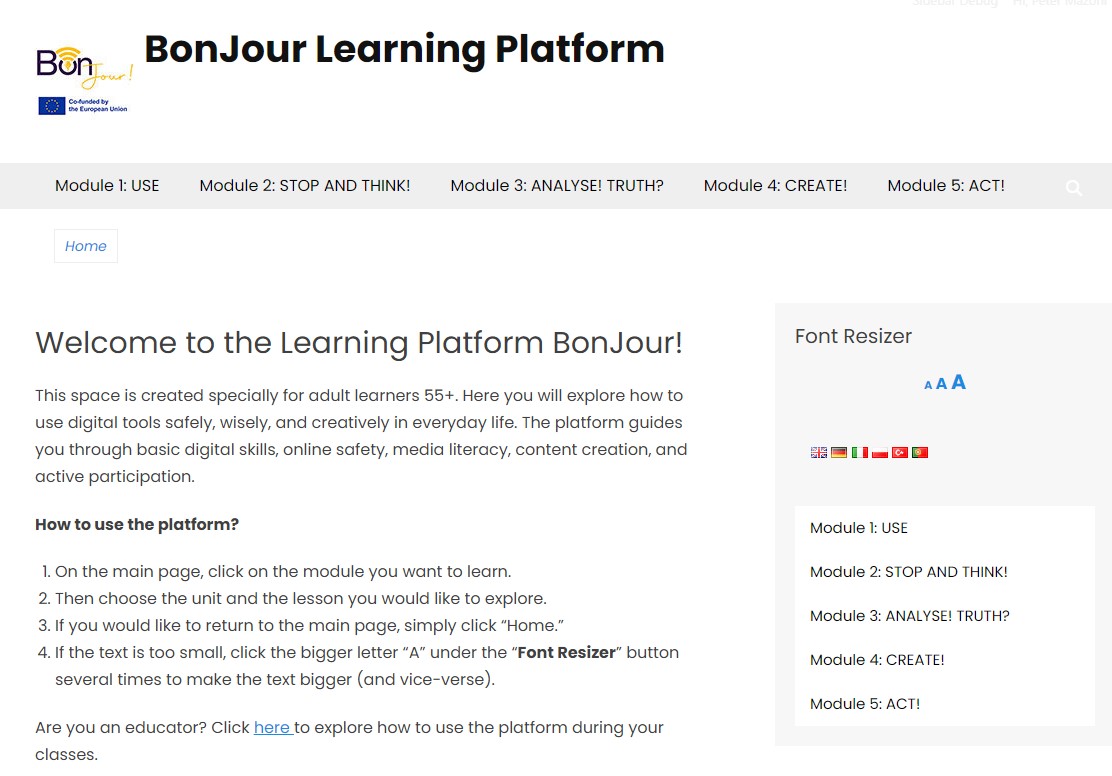
 Funded by the European Union. Views and opinions expressed are however those of the author(s) only and do not necessarily reflect those of the European Union or the European Education and Culture Executive Agency (EACEA). Neither the European Union nor EACEA can be held responsible for them.